Replacing Excel in Your Business: When It Makes Sense and When It Does Not
By Maria-Luisa Bondarenko ·
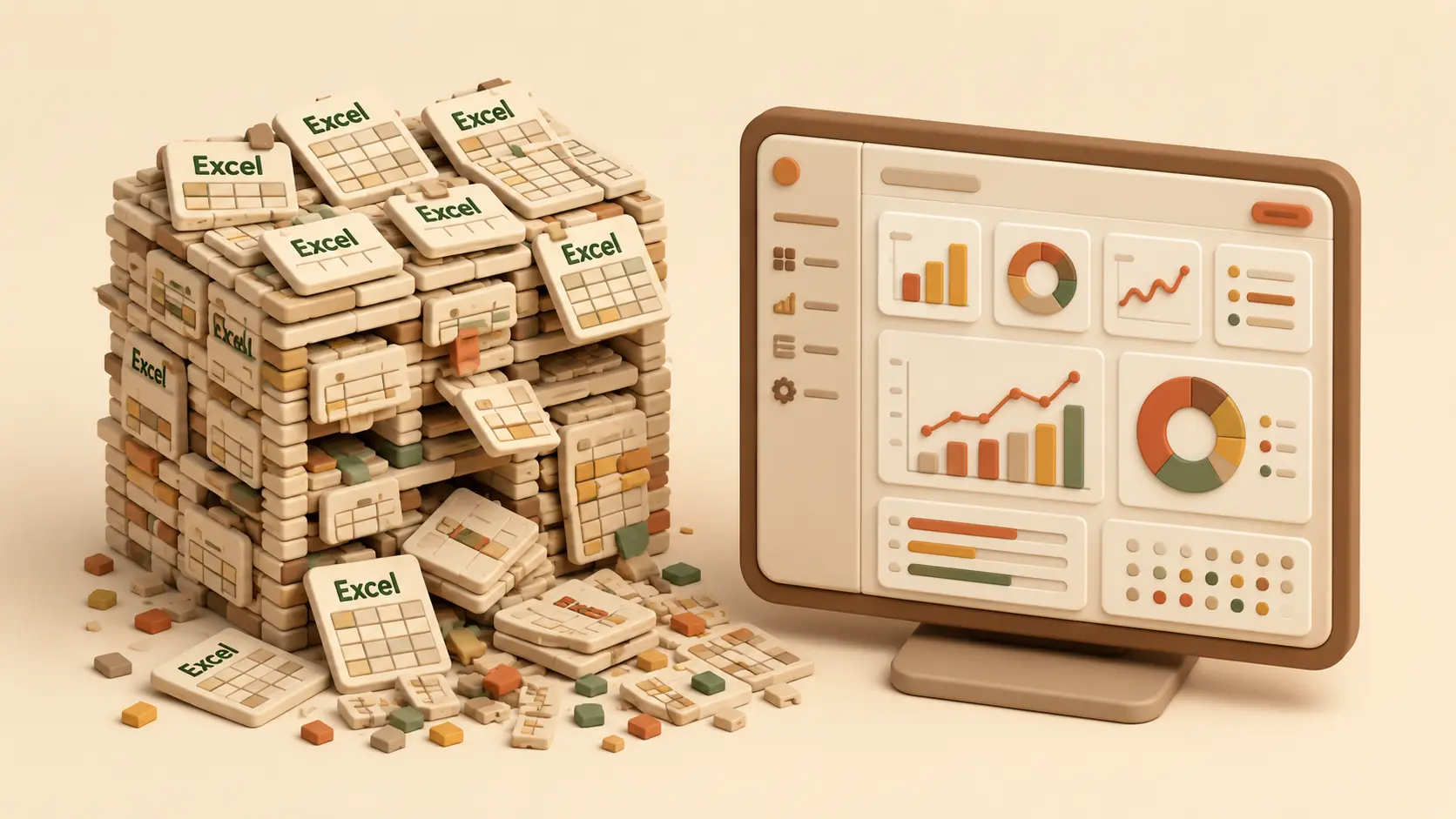
Excel is the most successful business software in the world, and for good reason. It's flexible, everyone knows it, and it costs practically nothing. In most of the mid-sized businesses we know, core workflows run on spreadsheets: quote calculations, stock levels, holiday planning, sometimes half the inventory management. That is not a problem in itself. It becomes one when certain symptoms appear. In this article we describe how to tell that your business has outgrown Excel, what the alternatives are, and in which cases you're better off staying with Excel.
The five symptoms you can recognise it by
1. Nobody knows anymore which file is the current one. Everyone knows calculation_final_v3_NEW_really.xlsx. As soon as the same spreadsheet circulates in several versions, sent back and forth by email or saved on different drives, you're making decisions based on data you can't be sure is correct.
2. The same data is typed in multiple times. The order sits in the order table, in the delivery note, in the invoice template and in the handover protocol. Four entries, four sources of error, and with every change all four places have to be touched. The time lost doesn't show up in any report, but it adds up every week.
3. Only one person understands the spreadsheet. At some point an employee built an impressive spreadsheet with links, macros and hidden sheets. It works as long as they're around. If they fall ill, change jobs or retire, the workflow grinds to a halt. That's not an Excel problem, it's a risk to the business.
4. Several people need to work in it at the same time. Excel is built for single-user work. As soon as three people have to write into the same data in parallel, the workarounds begin: copies, shouting across the room, "can you get out of the file for a moment". Shared cloud spreadsheets ease this but don't solve it once workflows and permissions come into play.
5. The spreadsheet is meant to do things it was never designed for. Automatic notifications, approval steps, connection to the web shop, analyses spanning years. With enough effort you can force a lot into Excel. The question isn't whether it's possible, but what the makeshift solution costs you in maintenance, errors and frustration.
What the alternatives are
If two or more of these symptoms apply to your business, there are essentially three routes.
Standard software. For many tasks, ready-made programs exist, from accounting to project management. Advantage: quickly available, predictable costs. Disadvantage: your business has to adapt to the software, not the other way around. If your workflows fit the standard pattern, that's often the right choice.
Modular systems. So-called low-code platforms let you build your own small applications without much programming. For simple cases that works well. The limits show when workflows get more complex or several systems have to be connected, then the modular kit quickly becomes the next makeshift solution.
Custom software. An application that maps exactly your workflows: your terms, your steps, your special cases. It's the most expensive option to acquire and the cheapest in daily use, because nobody is working against the tool anymore. It pays off where a workflow is business-critical and can't be represented off the shelf.
When you should stay with Excel
The honest part: in some cases switching is the wrong decision. If a spreadsheet is maintained by one person, rarely changed and touches no other systems, there's no reason to replace it. The same goes for analyses and one-off calculations, for which Excel is simply the best tool. And anyone in the middle of fundamentally reorganising their workflows should sort out the workflows first and then think about software, not the other way around. Software that digitalises chaos produces digital chaos.
A useful yardstick: roughly add up how many hours per week are lost in your business to double entry, version hunting and spreadsheet maintenance, and multiply that by a year. If that number is clearly above the cost of a proper solution, it's at least worth doing the detailed maths.
How a switch happens without endangering the business
The biggest concern we hear in conversations isn't the price, it's the risk: what if the new solution doesn't work and the old one is already switched off? The answer is: you don't switch anything off before the new one has proven itself. A clean switch begins with the one workflow that hurts most, not with everything at once. The new solution runs alongside the old spreadsheet for a while, until it's clear that it holds up. Only then do you switch over, and the spreadsheet is kept as an archive. That way the risk stays manageable at every point, and your staff can get used to the new tool instead of being thrown in at the deep end.
The first step is always the same, and it costs nothing: write down which spreadsheets exist, who maintains them and what happens if they're unavailable for a day. That list alone shows most businesses where they really stand.
Wandelwerk Tech builds custom software for mid-sized businesses. If you want to find out whether a switch pays off for you, talk to us, the assessment is without obligation.